

TL;DR
1
Go to Main Page
Access your main page and click on Dashboard.
2
Review Dashboard Areas
Check Overall Statistics, Member Snapshot, and more.
3
Change Dates
Click Calendar to change and apply date range.
4
View Member Plans
Check Top Member Plans and their percentages.
5
See Quick Actions
Scroll down for Quick Actions for daily review.
Let's Do It Together!
Step 1: Access the Dashboard
Go to your Main Page.
Click on Dashboard.
Your Dashboard will now load on your main site.
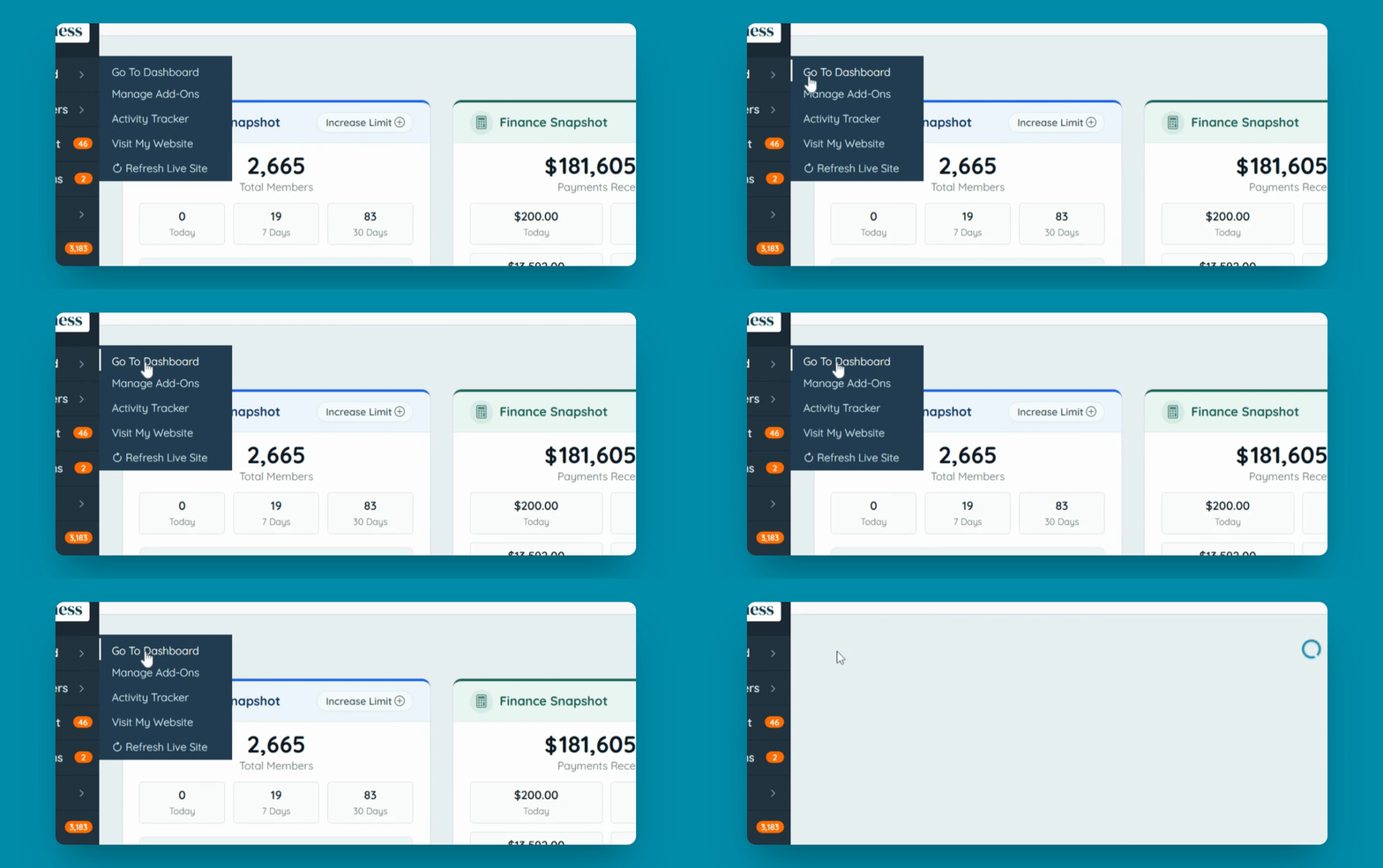
Step 2: Explore Dashboard Sections
Review the Overall Statistics, Member Snapshot, Finance Snapshot, and Pending Items.
Scroll down to view Website Analytics or Financial Analytics.
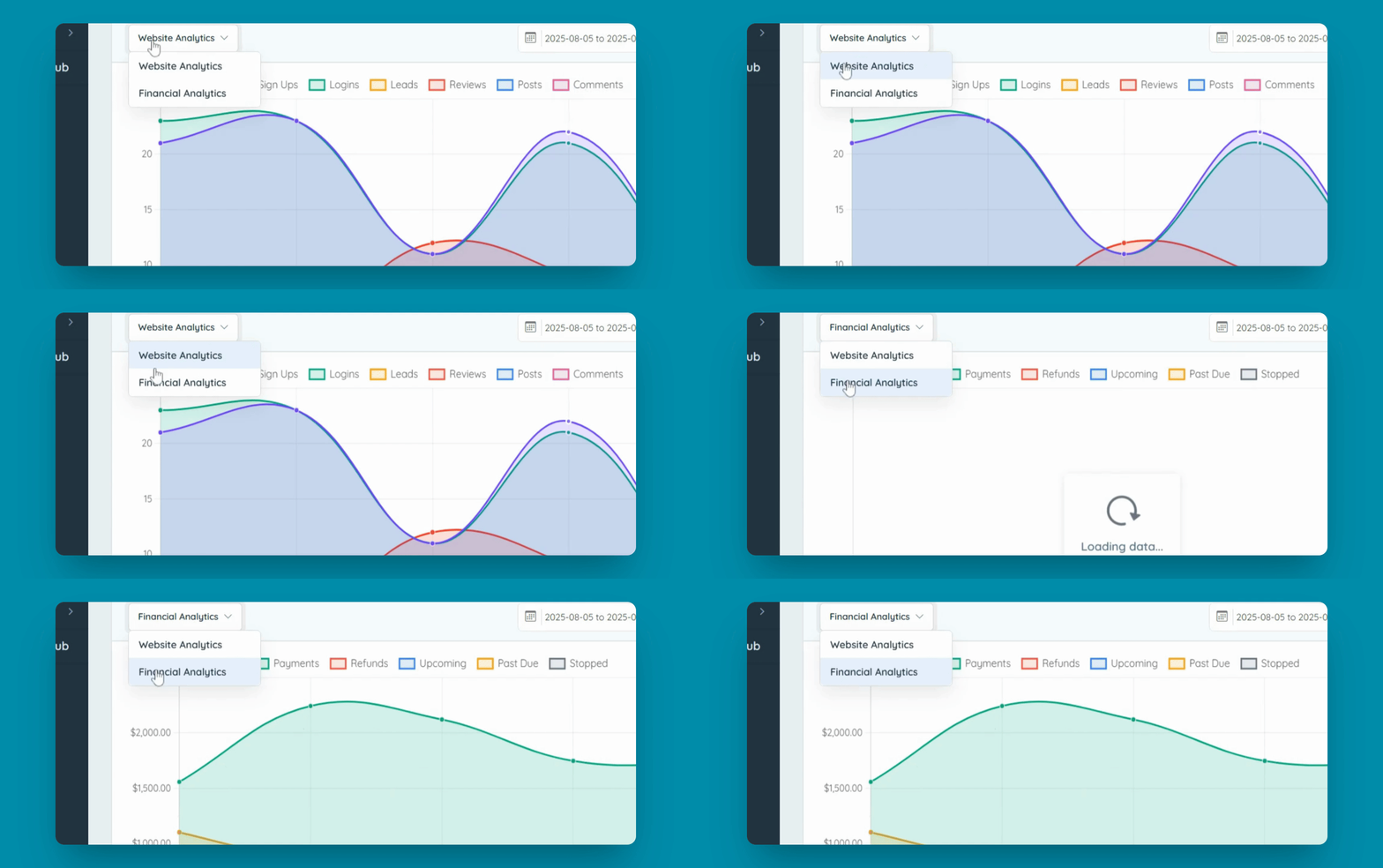
Step 3: Modify Date and Frequency
Change the date by clicking on the Calendar, selecting new dates, and clicking Apply.
Set the view to Daily, Weekly, or Monthly.
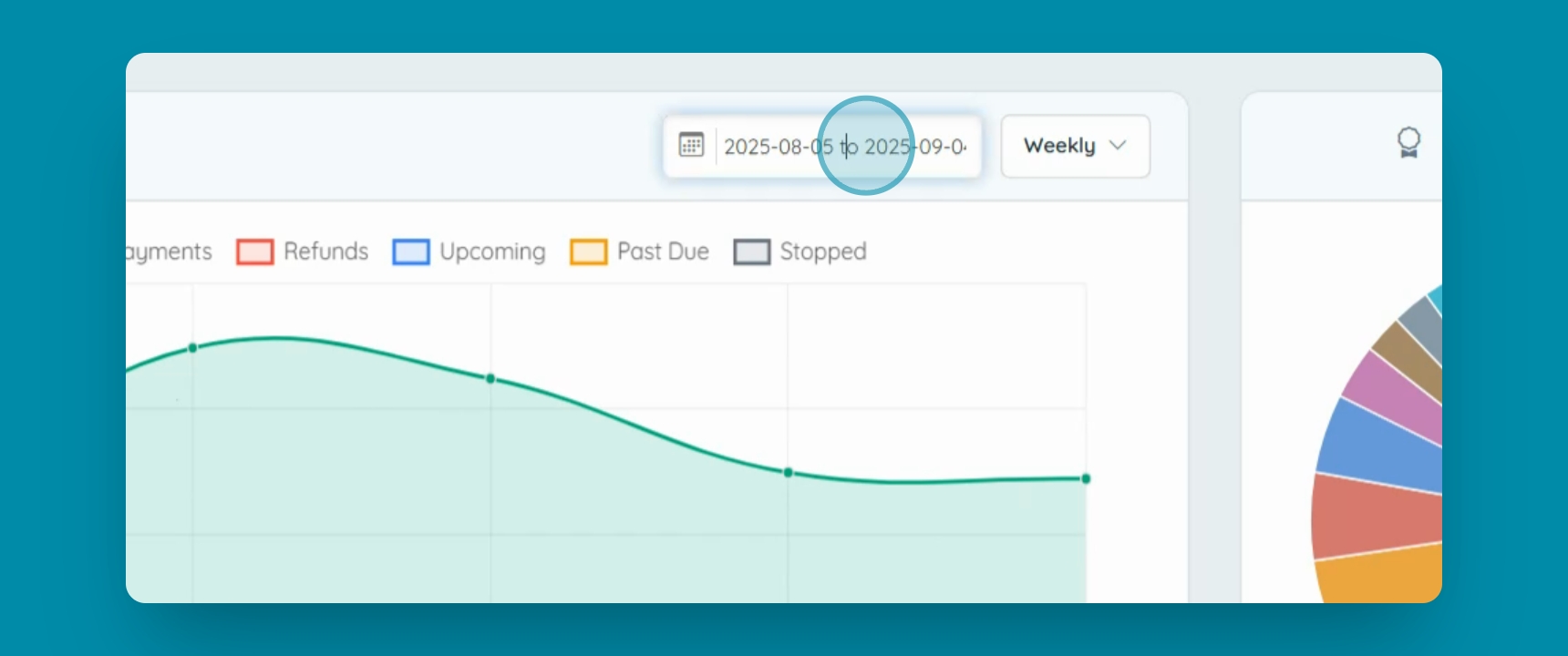
Step 4: Analyze Member Plans
View the Top Member Plans.
Scroll over to see the percentages.
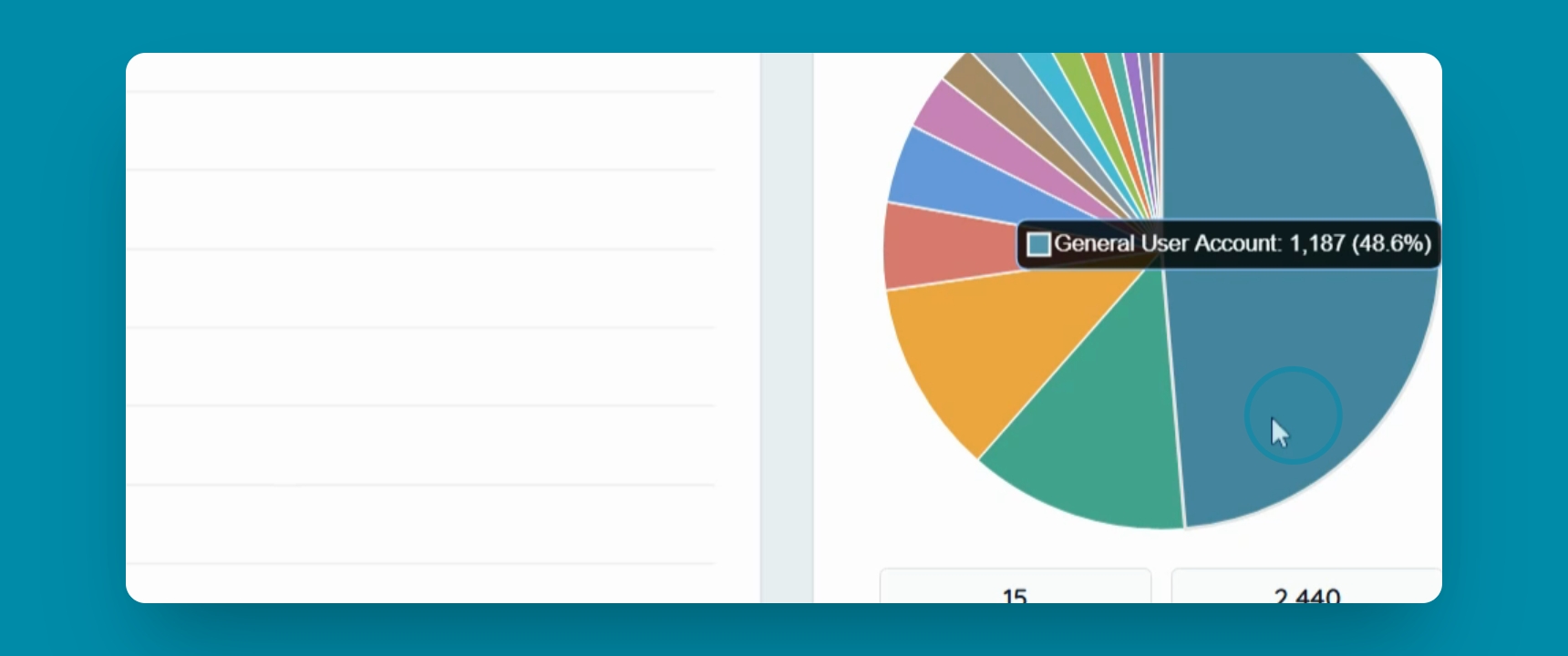
Step 5: Quick Actions Overview
Scroll down to see Quick Actions and common items for your daily review.